
Not every employee works at a desk. Sales teams visit clients, technicians travel between sites, and delivery staff spend their day on the road. For these teams, a fingerprint machine at the office door tells you very little. That is why more companies are looking for GPS Attendance Software in Pakistan that records where and when people actually start work.
This guide explains how it works, which features matter, and how to choose a system that fits your business.
What Is GPS Attendance Software?
GPS attendance software lets employees mark their attendance from a smartphone, while the system records their location at that moment. The data goes straight into your HRMS Software Pakistan platform, so there is no manual entry and no waiting for supervisors to confirm.
In simple terms, Employee GPS Attendance Software answers three questions: who checked in, when they did it, and where they were. This makes it especially useful for remote staff, field teams, and companies with multiple branches.
Why Pakistani Businesses Are Moving to Location-Based Attendance
Traditional methods have clear limits. Paper registers invite errors, and office-based devices cannot cover staff who work outside. Location-Based Attendance solves this by tying every check-in to a verified place.
Common reasons companies make the switch:
Field and sales teams need proof of site visits
Branch offices across cities need one central view
EfrotechHybrid and remote work has become common
Payroll disputes over late arrivals and absences are costly
Managers want accurate data without chasing people
A good HR platform brings all of this together in one place instead of forcing you to jump between separate tools.
Top 6 HR Software With GPS Attendance in Pakistan
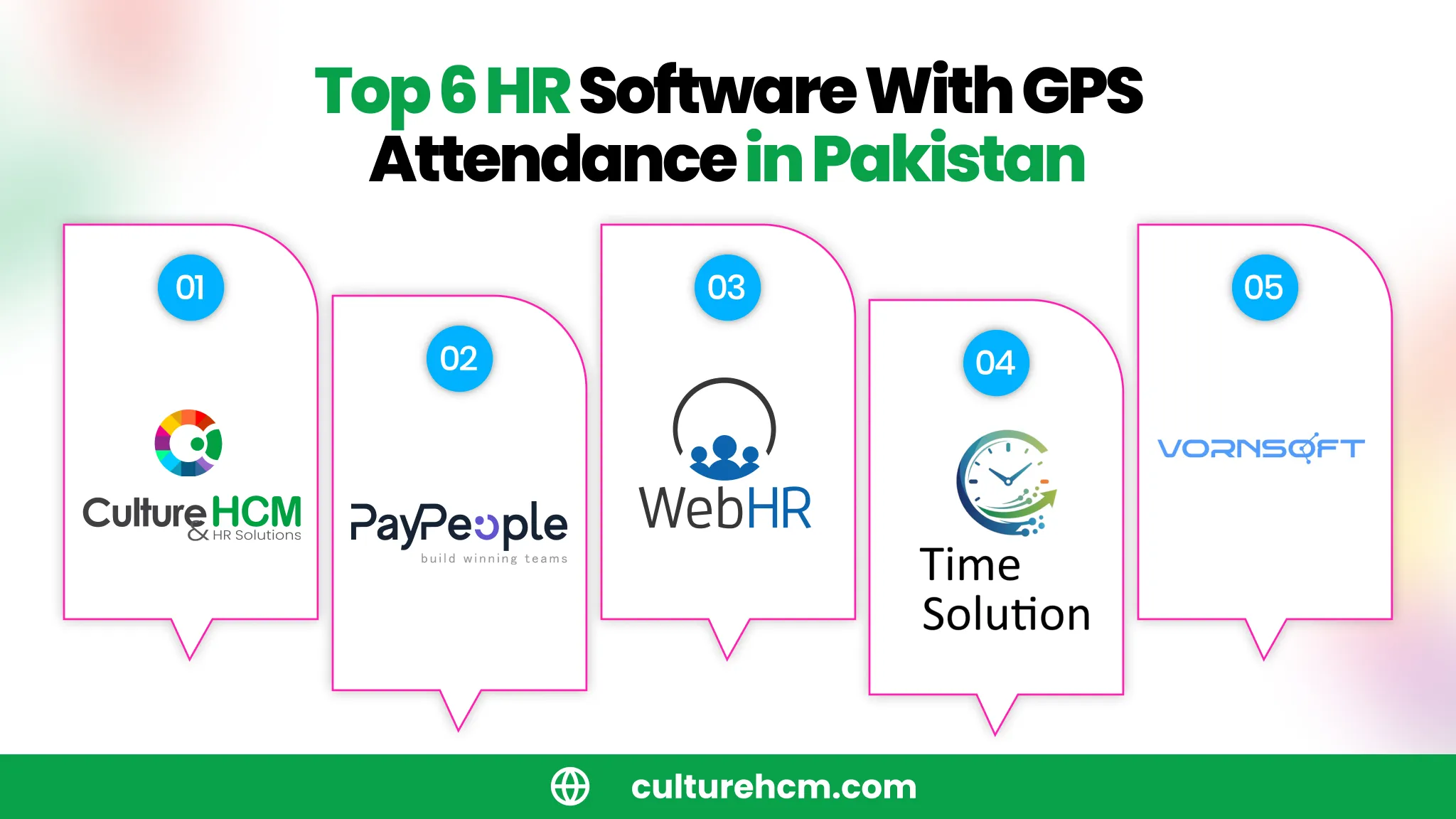
If you manage distributed, multi-branch, or field teams in Pakistan, choosing a platform that natively supports location-based check-ins alongside core HR is essential. Here are six top solutions:
1. CultureHCM
Leading the market for Pakistani enterprises and mid-sized businesses, CultureHCM provides a robust, all-in-one Human Capital Management platform with advanced mobile check-in capabilities.
Key Highlights: Real-time GPS location tracking, customizable geofencing attendance boundaries, mobile selfie verification, and seamless integration with PKR payroll runs.
Best For: Companies looking for high-accuracy location tracking combined with localized HR and dedicated support.
2. PayPeople
PayPeople is a widely recognized cloud HR tool in Pakistan engineered to support flexible field operations.
Key Highlights: AI-powered payroll, hardware-agnostic mobile check-ins with geo-fencing, and live route tracking for field teams.
Best For: Growing companies looking for an easy-to-use mobile-first platform with flexible device support.
3. WebHR
WebHR is an internationally adopted cloud-based HR system built with deep native capabilities for Pakistani businesses.
Key Highlights: Geo-fenced mobile attendance for iOS and Android, AI-driven HR analytics, and extensive employee self-service features.
Best For: Modern businesses and multi-country firms needing high-tech mobile attendance tracking.
4. Time Solution
Time Solution is an established local platform providing comprehensive time, leave, and payroll software tailored to Pakistani workplace rules.
Key Highlights: Location-based GPS mobile check-ins, shift and late-arrival rule tracking, and automated PKR payroll exports.
Best For: Multi-branch organizations, retail outlets, and field service companies across major Pakistani cities.
5. Vornsoft
Vornsoft is a versatile business management and HR platform built in Pakistan to eliminate software sprawl.
Key Highlights: Mobile clock-in, geofenced location tracking, built-in leave approvals, and transparent local currency (PKR) pricing.
Best For: Small-to-midsize businesses needing HR, attendance, and operational tools under one login.
6. Connect HRMS
Connect HRMS offers a tech-forward solution engineered for modern workforce environments in Pakistan.
Key Highlights: Mobile GPS check-in modules, multi-shift roster scheduling, and integrated attendance management.
Best For: Tech companies, agencies, and service enterprises managing hybrid or remote workforces.
Key Features of the Best GPS Attendance Software
Mobile Check-In and Check-Out
Employees should be able to mark attendance in seconds through a mobile app. Reliable mobile check-in and check-out works even with weak signal, storing the entry and syncing it once the connection returns. This matters in areas where internet coverage is uneven.
Geofencing Attendance
Geofencing attendance lets you draw a virtual boundary around an office, site, or client location. Employees can only check in when they are inside that area. This prevents false check-ins and gives you confidence in the data without constant supervision.
GPS Location Tracking
Accurate GPS location tracking records the position at the time of check-in. Look for systems that also capture a selfie or device details to reduce the chance of buddy punching.
Real-Time Employee Tracking
For teams that move during the day, real-time employee tracking shows who is on site, who is traveling, and who has not started yet. Choose a tool that respects privacy by tracking location only during work hours and only for attendance purposes.
Biometric Attendance Integration
Many offices and factories already use fingerprint or face devices. Strong biometric attendance integration lets you combine device data with mobile check-ins, so office staff and field staff are managed in one Attendance Monitoring System.
Automated Attendance Records
Automated attendance records feed directly into payroll. Late marks, half days, overtime, and absences are calculated based on your policies, which removes hours of manual work at the end of each month.
Quick Comparison: Attendance Methods
Method | Best For | Main Limitation |
Paper register | Very small teams | Errors and no verification |
Biometric device | Fixed office or factory | Cannot track outside staff |
GPS mobile app | Field, remote and hybrid teams | Needs smartphones and some data |
Combined system | Mixed workforces | Needs proper setup |
For most growing companies, a combined approach works best. It gives you the accuracy of biometrics in the office and the flexibility of GPS for everyone else.
How to Choose the Right Staff Attendance Software
Match the tool to your workforce. Count how many employees work on site, remotely, or in the field. This tells you how much weight to give GPS features.
Check payroll connection. The best Staff Attendance Software is part of a wider HR system. If attendance does not flow into salary calculations, you will still be doing manual work.
Test it in real conditions. Ask for a trial and have a few employees check in from different locations. See how the app handles poor signal and low battery.
Review privacy and data security. Employees should know what is tracked and when. Clear policies build trust and avoid pushback.
Confirm local support. A team that understands local work patterns, shifts, and holidays can configure the system faster and respond quickly when you need help.
Think about reporting. Choose a platform with clear dashboards so managers can review employee attendance management data by team, branch, or date.
Common Mistakes to Avoid
Rolling out tracking without explaining it to employees
Choosing a standalone app that does not connect to payroll
Ignoring offline use for areas with weak internet
Setting geofences too small, which causes genuine check-ins to fail
Skipping a pilot before company-wide launch
Conclusion
Choosing the right GPS Attendance Software in Pakistan comes down to accuracy, ease of use, and how well it connects with payroll. Look for geofencing, mobile check-in, biometric support, and automated records, then test the system with your own team before committing. The right tool saves HR time, reduces disputes, and gives you a clear view of your workforce wherever they work.
Want to see how it works for your team? Request a free demo, try it with your field staff, and check the results for yourself.
Frequently Asked Questions
What is the best GPS attendance software in Pakistan?
Top platforms like CultureHCM, PayPeople, and WebHR lead the market because they support mobile check-in, geofencing, offline syncing, and direct PKR payroll integration backed by reliable local support.
How does GPS attendance work?
Employees open a mobile app and mark attendance. The app records the time and the phone’s location, and the system checks whether it falls inside an approved geofenced area. The record is then saved automatically for reporting and payroll.
Is mobile employee tracking legal and fair?
Tracking for attendance is common, but it should be transparent. Inform employees, limit tracking strictly to working hours, and collect only the data you need. Have your HR or legal team review your policy.
Can GPS attendance work with biometric devices?
Yes. Many modern HR platforms combine device data and mobile app data in one centralized Attendance Monitoring System. This is ideal if some staff work in the office and others work in the field.
Does GPS attendance work without the internet?
Many apps store the check-in locally on the phone and upload it once the internet connection returns. Ask vendors how their offline mode works before you decide.